- Select delivery country
- Select delivery country

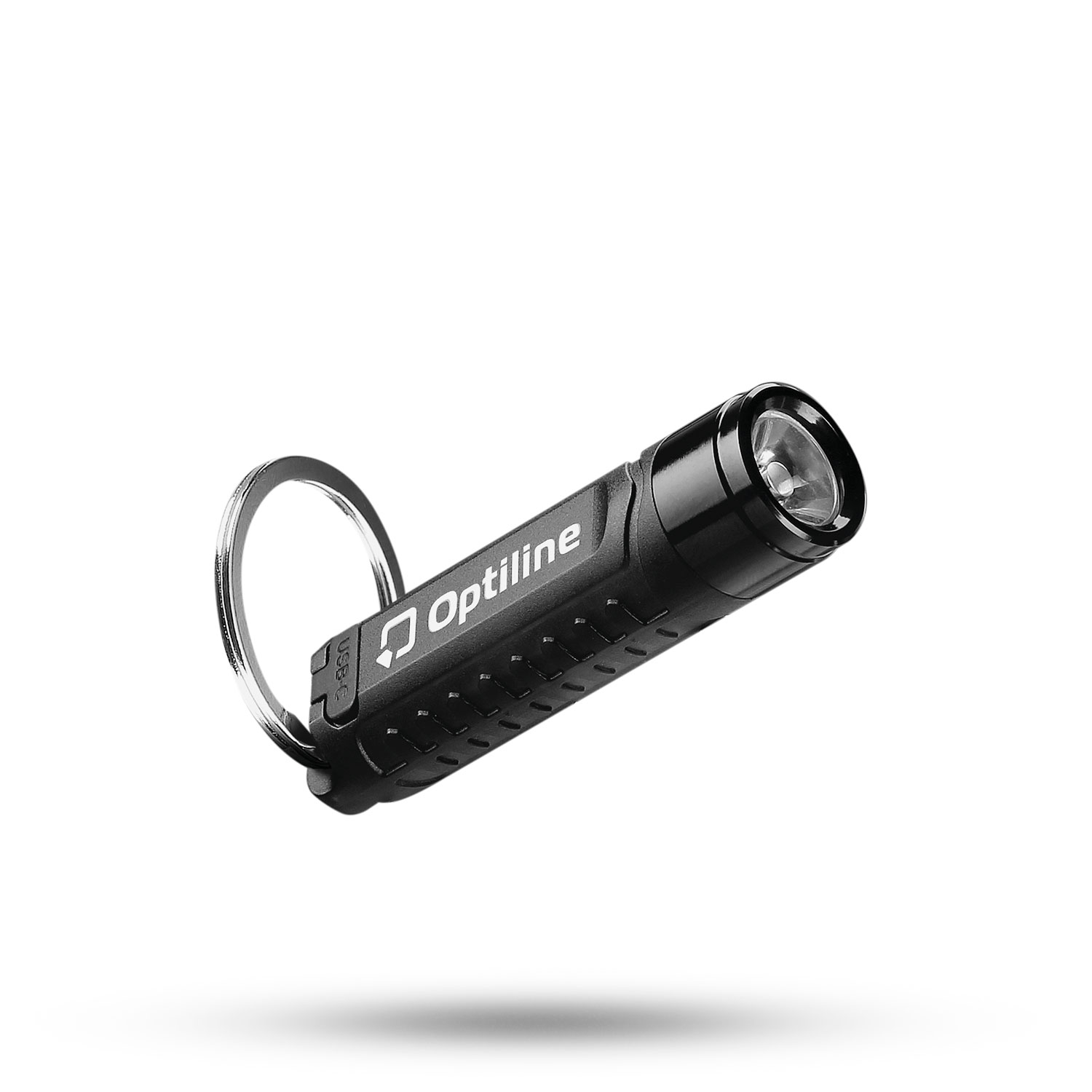
Keychain torch with integrated tracker
Discounted price:
29.99 € 19.99 € Available

Magnetic
Recharge
Sound
Detection
Notification
Everyday
| Compatibility | Apple devices that support the “Find My” application |
|---|---|
| Connection | Bluetooth, NFC |
| Battery | Rechargeable via USB |
| Measurements | Ø1,5 cm - h 6cm |
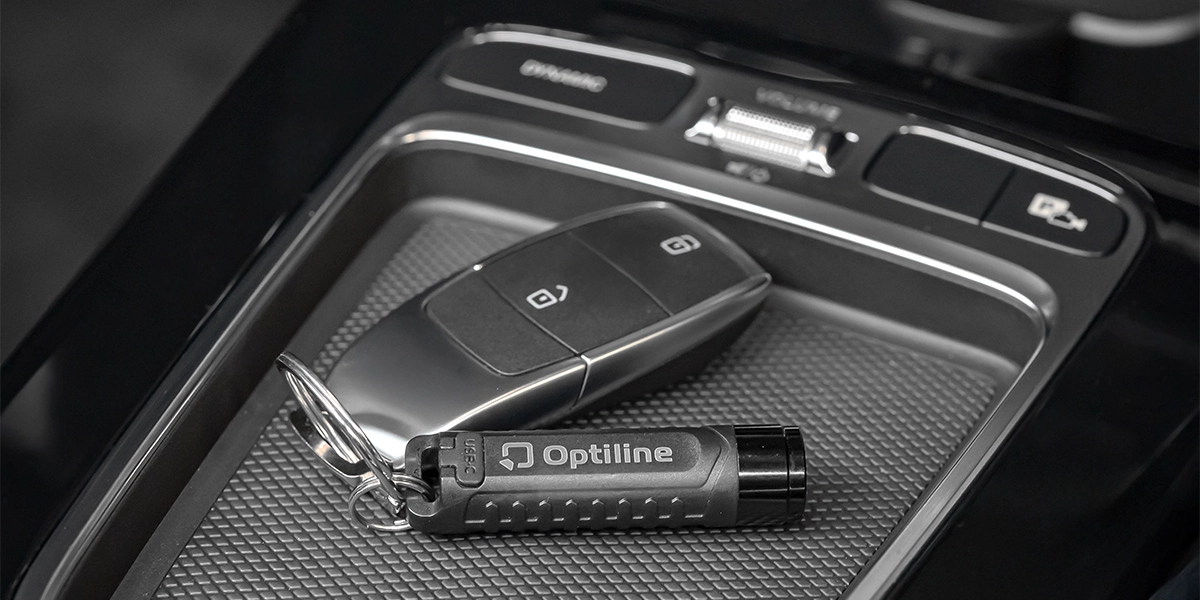
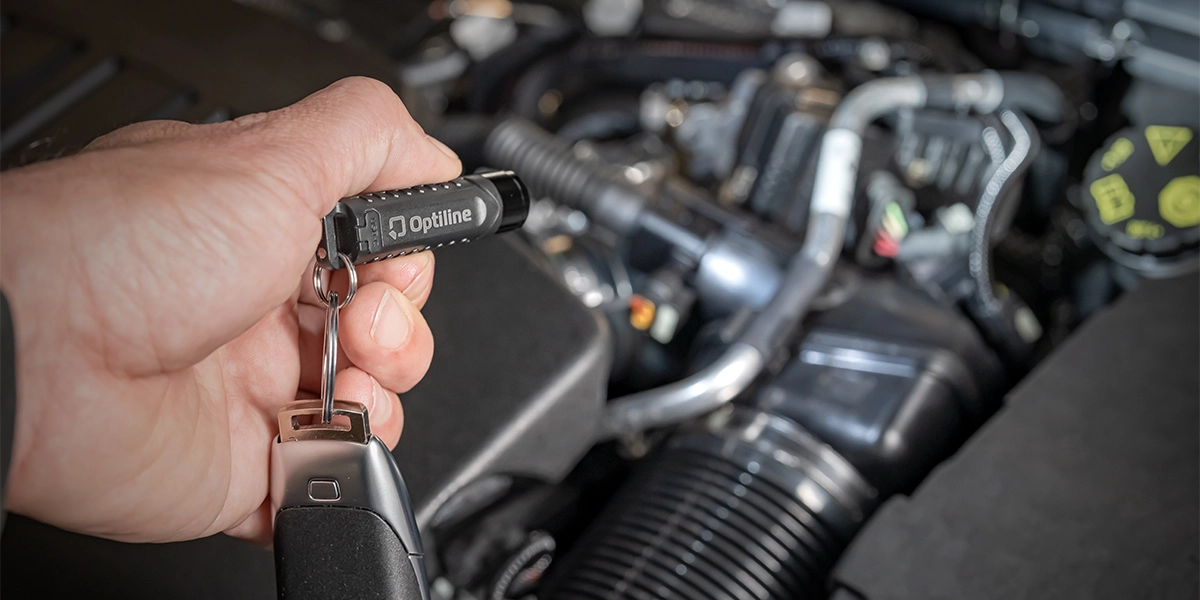
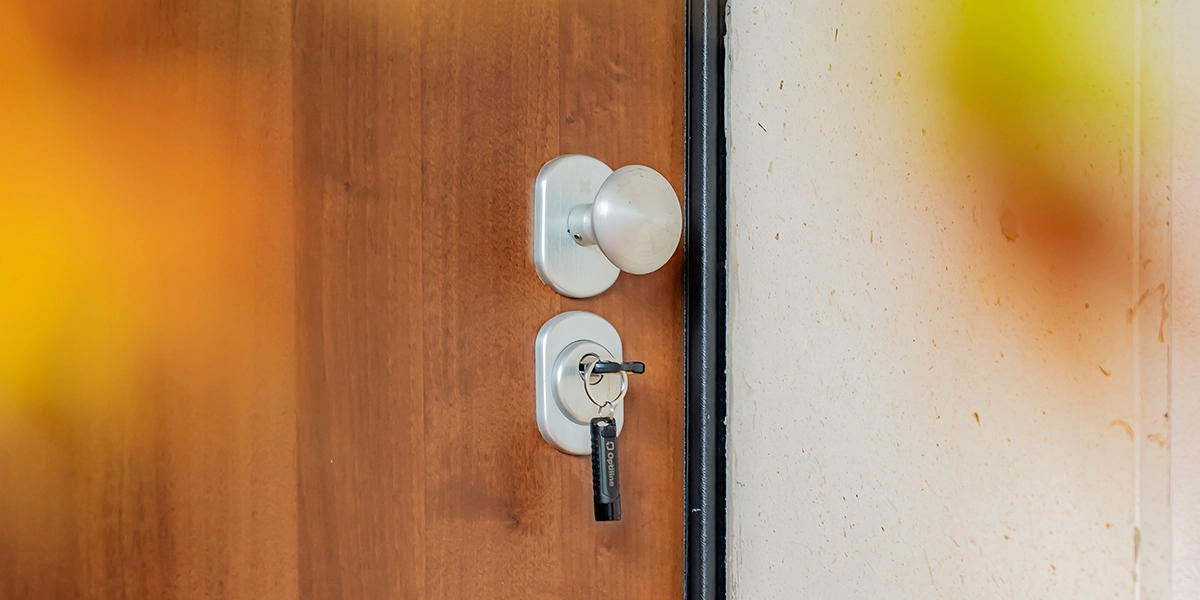
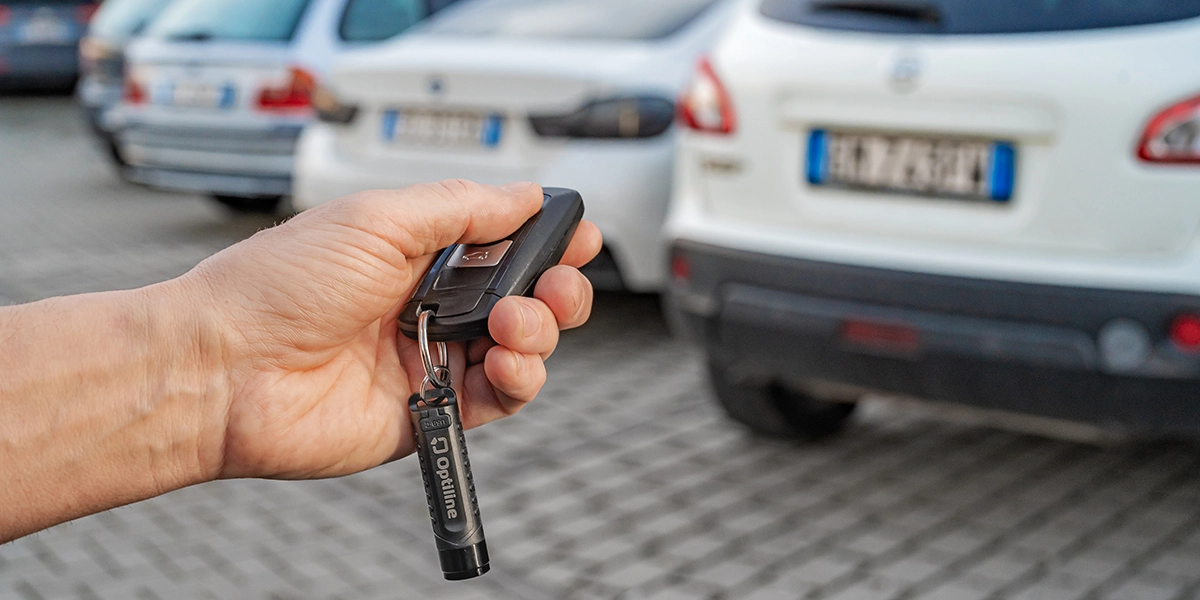
Attach the OptiTag Torch to your belongings and locate them easily with an intuitive setup through the “Find My” app, activating the built-in speaker or asking Siri for help to find them in moments: all in one device that combines torch, keychain, integrated tracker, magnet, and USB charging, compatible with iOS.
How does OptiTag Torch work?
OptiTag Torch uses the extensive network of Apple devices connected to the “Find My” service to help you locate your item anywhere in the world. You can activate its speaker directly from the app or ask Siri to track it instantly. If you can’t find your keys, it’s simple: open the “Items” section in the “Find My” app and make the OptiTag Torch sound, or say: “Hey Siri, find my house keys.” When the search function is activated, the built-in lights also turn on, allowing you to locate it easily by following both the sound and visual signal.
Magnetic, Rechargeable, and… Illuminating!
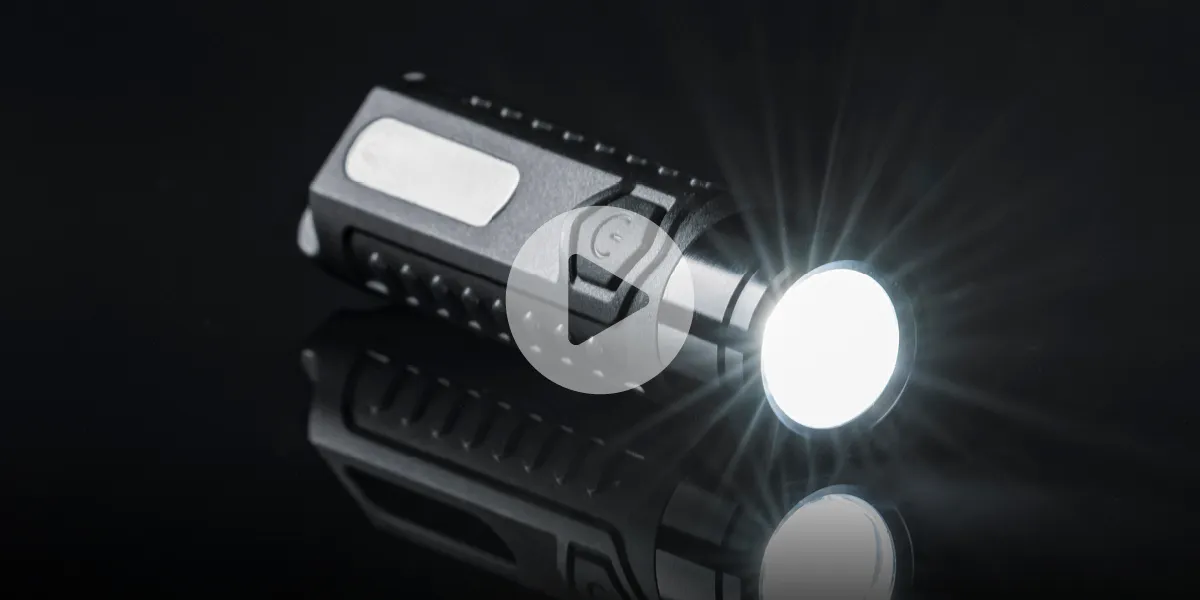
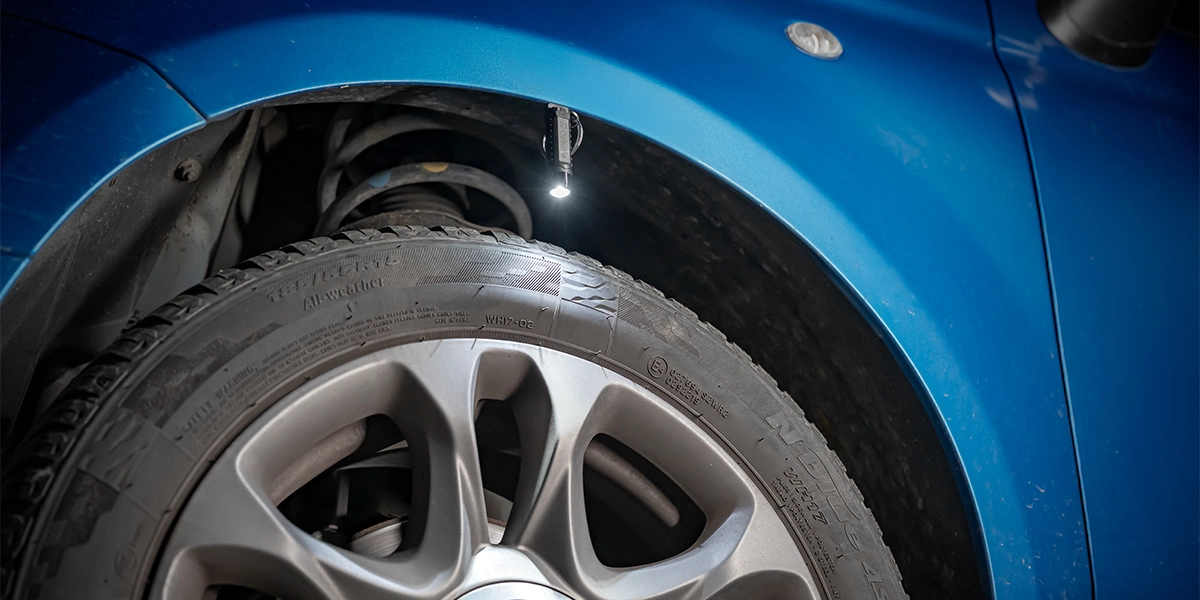
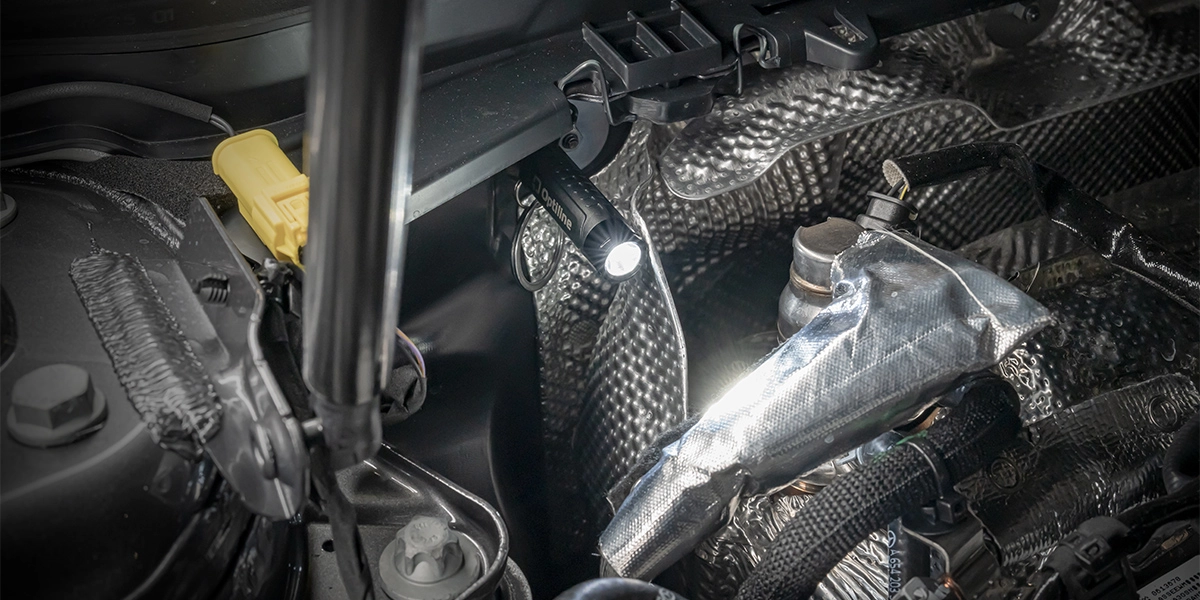
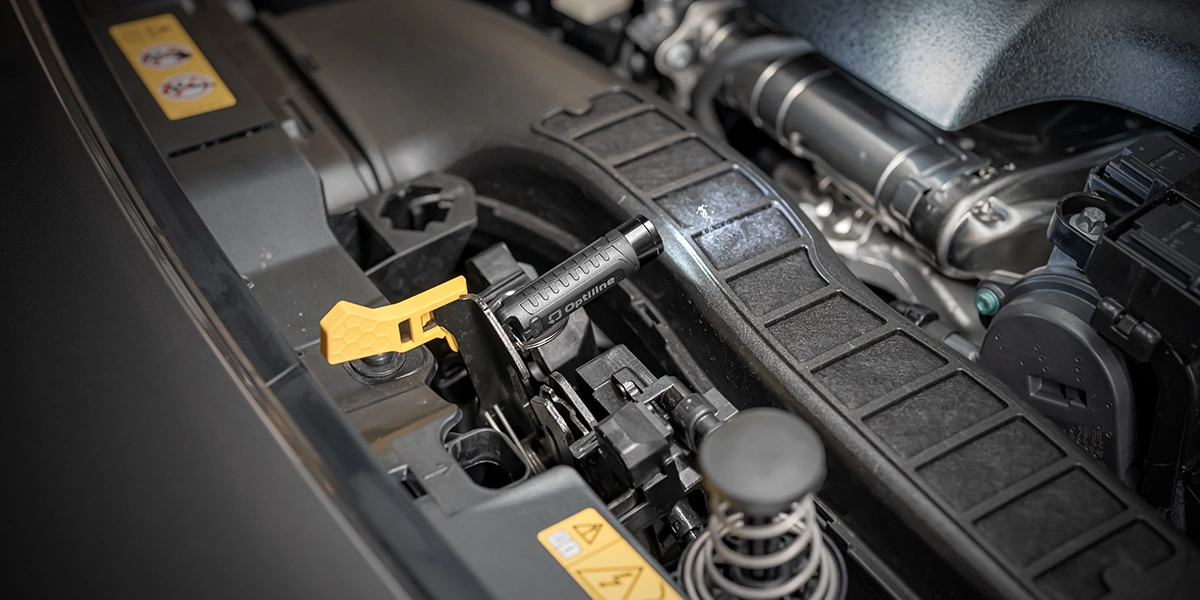
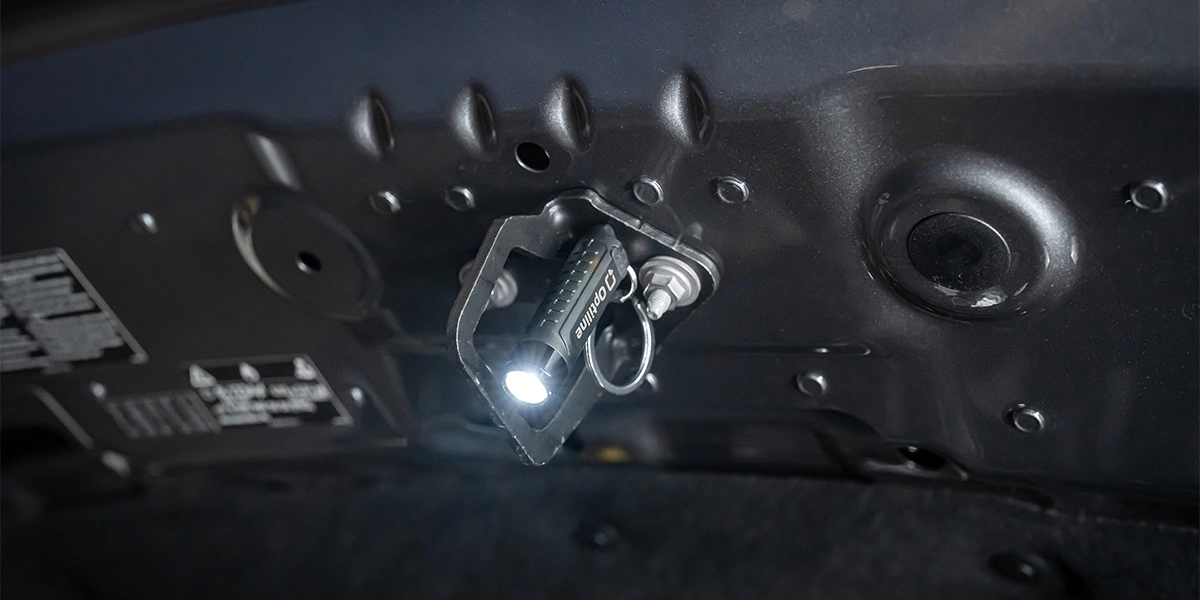
Thanks to the built-in magnets, OptiTag Torch easily adheres to metal surfaces, allowing you to illuminate what you need. The torch offers three intensity levels (high, medium, low) and a flashing mode, providing ideal light in any situation. When the search function is activated, the two LEDs automatically flash red and blue alternately, offering a clear visual signal. Holding the button for three seconds activates the emergency light, with the following modes: solid red light; flashing red light; solid blue light; flashing blue light; alternating red/blue flashing; red light with SOS signal flashing. Charging is conveniently done via USB-C using the included cable.
Lost Mode
If the audio signal isn’t enough, you can activate “Lost Mode.” This way, you will receive a notification as soon as your OptiTag Torch is detected by another device on the network. Through a simple guided procedure, you can also associate a phone number with your OptiTag Torch, allowing anyone who finds it to contact you easily. Following these steps, anyone who finds the OptiTag can bring it near their NFC-enabled device and see a message with your phone number. To activate this mode, open the “Find My” app, go to the Items section, and select the Lost Tag. Among the available options, you will find Lost Mode, which activates the procedure described above. OptiTag Torch ensures maximum security and privacy: communications are anonymous and encrypted, protecting your data and location.
Compatibility
OptiTag Torch is compatible with a wide range of Apple devices, including iPhone SE*, iPhone 6s* and later models, 7th-generation iPod touch* with iOS 14.5* or later, as well as iPad Pro*, iPad* 5th generation and later, iPad Air 2* and later models, iPad mini 4* and later with iPadOS 14.5* or later. OptiTag is also compatible with AirTag* accessories.
Article’s info
Questions
- How much does the delivery cost? The shipping costs 35.00. For orders above the amount of 99.00 € the delivery is free.
- Wich courier do you use? The deliveries are handled by the GLS courier through the trackable delivery system from Monday to Friday.
- Delivery times? The orders received within 12.00 are entrusted to the courier on the very same day and are usually delivered within 48h. We commit ourselves to evade and deliver in the shortest amount of time.
- Can I return a product? You can return a product within 14 days from the delivery provided that the products are not worn or damaged and if the pacakging is intact.
- How can I make a return? You have to initiate the return procedure in the orders section of your restricted area, download the return form and follow the instructions. Any unauthorized return shall not be reimbursed.
- Which are the return costs? The delivery costs shall be borne by you and you can also choose any courier of your liking. Please use a trackable delivery system.
- How long will it take for me to be reimbursed? If the return conditions have been respected, the reimbursement shall be issued through the payment method used during the order. The reimbursement shall be carried out within 14 business days from the date of receipt of the package.
- Can I cancel an order? Our order preparation procedures are very quick as we strive to evade the orders within the day of purchase. As a result, it is not always possible to cancel an order, especially after it is being prepared. Before confirming an order we kindly ask you to check all data. In case of any necessity, please call us at the following number: 0375820700.